
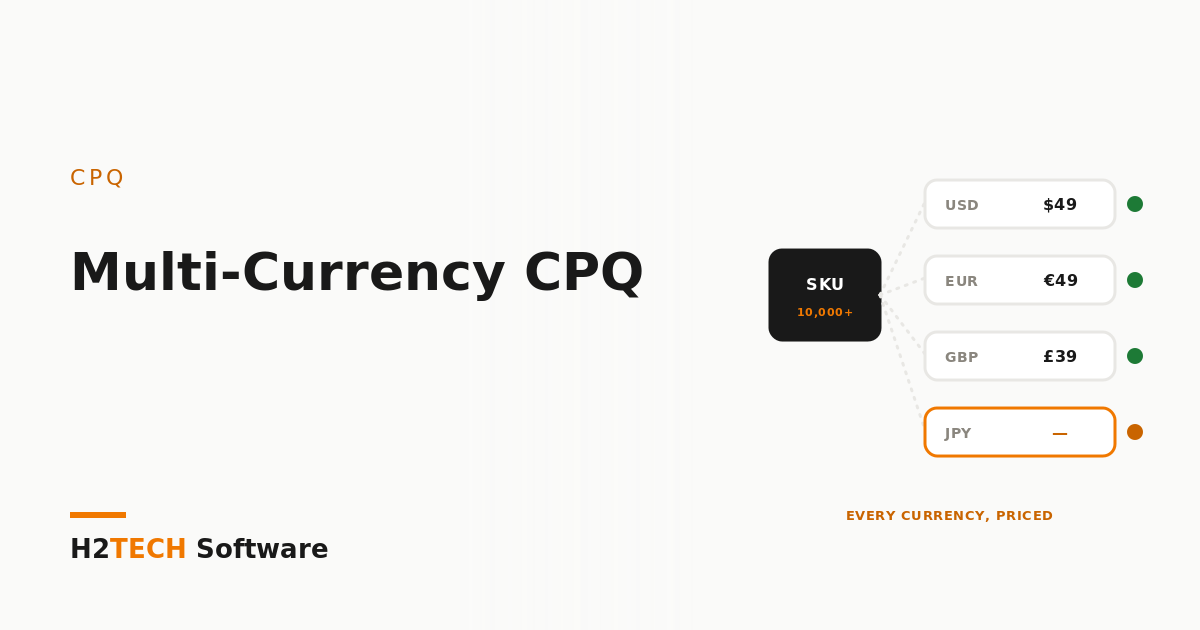
Most companies switch on a second currency because a new region or a big overseas deal forces the issue. Six months later the euro price book has gaps, discount tiers only work in dollars, and finance is re-keying quotes by hand before they reach billing. Salesforce CPQ multi-currency quoting isn’t hard, but it punishes one assumption almost everyone makes on day one: that the system will convert your prices for you. It won’t. Here’s how we set it up so it stays clean.
The assumption that breaks everything
When a quote is in GBP, Salesforce CPQ prices each line from the GBP price book entry. It doesn’t take your USD list price and apply an exchange rate. And if you’ve enabled advanced currency management, those dated exchange rates apply to opportunities and certain related objects — not to CPQ’s quote-line pricing. In practice that means every product you sell in a currency needs its own price in that currency, maintained on purpose.
That sounds like more work, and it is. It’s also usually what the business wants. Very few companies price Germany at “whatever the US price is in euros today.” They set local price points — €49 rather than €46.83 — and review them a couple of times a year. The design question isn’t how to automate conversion. It’s who owns each currency’s price list, and how often it changes.
Decide the currency model before you enable anything
Turning on multiple currencies is a one-way door: once it’s enabled in an org, it can’t be switched off. So before anyone ticks the box in a sandbox destined for production, we get three answers on paper.
Which currencies, and which is corporate? The corporate currency is what reporting rolls up into. Changing it later is disruptive, so choose it with finance, not with the first region that asked.
Who sets local prices? A single global price-ops owner, or regional owners with approval? The answer decides your price book structure and your permission model.
Do quotes ever change currency? In Salesforce’s own guidance, a primary quote’s currency has to match its opportunity’s. If reps sometimes start a deal in dollars and close it in euros, you need a defined process — usually a fresh opportunity or a controlled conversion — rather than a rep editing fields until the error goes away.
Price everything in every currency you sell
The list price is the easy part. The quiet failures come from the pricing objects around it. Salesforce documents several that need a value per currency, and each one fails differently when it’s missing:
- Amount-based discount schedules only apply when a tier exists for the quote’s currency. Percentage schedules apply regardless — a good reason to prefer percentages where the commercial logic allows.
- Multi-dimensional (MDQ) products need a price dimension per currency, or the line won’t save after selection.
- Cost-plus products need a cost record per currency. Without one, the product still appears in selection but isn’t priced correctly — the worst kind of failure, because nobody notices.
- Contracted prices set as a fixed amount only apply when their currency matches the quote’s.
- Product option unit prices don’t support multi-currency at all, so bundles that rely on them need a different design.
This is the same principle we apply in configuring CPQ around real pricing complexity: model the pricing the business actually runs, then make sure every path through it has data behind it.
Make missing prices impossible to miss
Because CPQ fails quietly when a currency price is missing, the fix is detection, not heroics. We add a scheduled completeness report — every active product, every active currency, flagging any gap in price book entries, discount tiers, costs, or price dimensions — and make clearing it part of the product-launch checklist. A new SKU isn’t live until it’s priced everywhere it can be sold.
We also load and refresh currency price books as data, not by hand. A controlled upsert from a single source sheet, reviewed before it runs, beats fifty manual edits every time. It’s how one of our CPQ clients, quoting a 10,000+ SKU catalogue across several currencies, went from four hours to under eight minutes per quote.
Test in every currency, not just the default
Most CPQ test scripts run in the corporate currency because that’s what the sandbox defaults to. Then the first euro renewal hits production with no discount applied. Your test plan should include a quote, amendment, and renewal in each active currency, with discounts and bundles exercised — and the sandbox needs realistic multi-currency data to test against.
A note on where CPQ is heading
Salesforce stopped selling CPQ to new customers in March 2025 and is steering new quote-to-cash projects toward Revenue Cloud Advanced. Existing customers keep using, renewing, and getting support for CPQ, so getting multi-currency right still matters — and if you’re weighing your options, see Conga CPQ vs Salesforce CPQ in 2026. And the work carries over: a clean, owned, complete set of currency price lists is exactly what you want in hand if you migrate later.
How we help
We run multi-currency CPQ as a short, fixed-scope engagement: currency model and ownership agreed with finance, every pricing object audited per currency, a completeness report, and a test pack that covers each currency end to end. We work AI-native — our agents generate the per-currency test matrix and gap analysis, at our cost, not yours — and a certified CPQ engineer reviews every change before it ships.
Key takeaways
- Salesforce CPQ prices each line from the price book entry in the quote’s currency — it doesn’t convert using exchange rates.
- Enabling multiple currencies is permanent, so settle the currency model, price ownership, and quote-currency rules first.
- Discount tiers, MDQ dimensions, costs, and contracted prices all need per-currency data — detect gaps with a report and test every currency.