
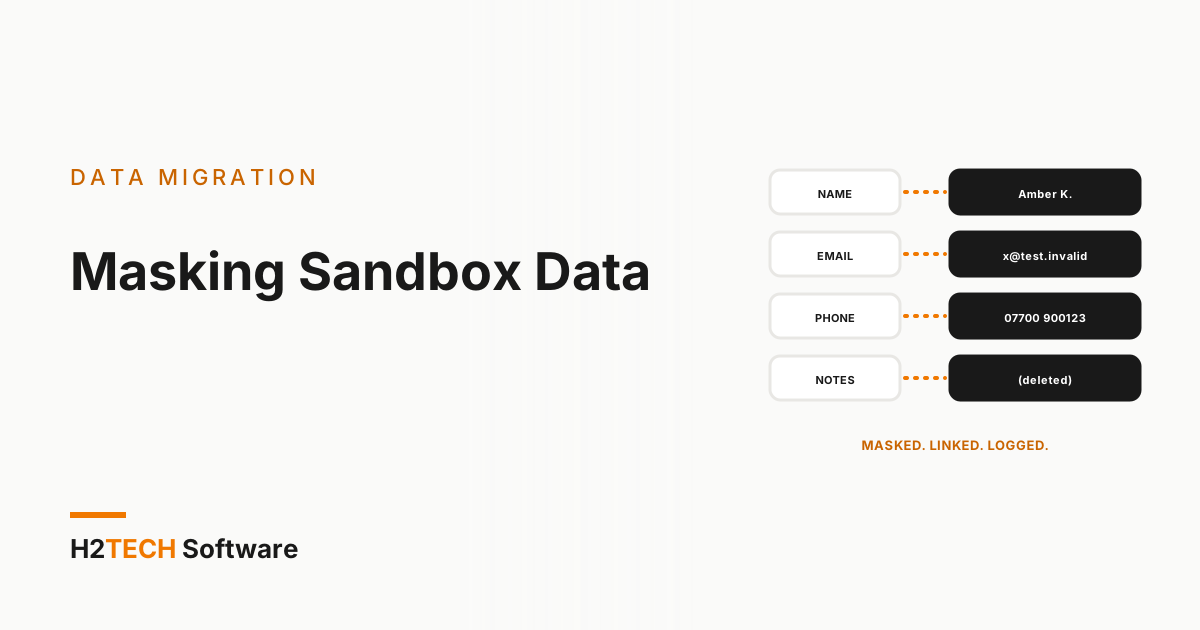
A sandbox refreshed from production is a copy of your customers. It is then opened to developers, contractors, test automation and, increasingly, AI agent pilots, often with fewer controls than production has. Salesforce data masking for sandboxes closes that gap: sensitive fields are replaced with safe values before anyone gets access, and the replacements keep the data realistic enough to test on. This guide covers what to mask, how to choose a method for each field and how to prove it worked.
One timing note first. Salesforce is retiring its legacy Data Mask managed package. Its detailed retirement notice says support ended on 9 July 2026 and that the package’s display becomes read-only on 31 December 2026. Its Active Product & Feature Retirements list gives 31 December 2026 as the end-of-support date. If you still use the legacy package, plan your move to Data Mask & Seed rather than relying on the old package. Data Mask & Seed became a core Salesforce application in the Summer ’26 release; check your contract for licensing and entitlement.
Know which sandboxes carry production data
Not every sandbox needs masking, so start by knowing which ones hold real records. Salesforce Help describes the types this way:
- Developer and Developer Pro: copy metadata only, with no production records.
- Partial Copy: copies metadata plus a sample of production data, chosen by a sandbox template.
- Full: copies metadata and all production data.
Partial Copy and Full sandboxes are therefore where the exposure sits. Developer sandboxes become a concern only if someone loads production records into them, for example by seeding.
Decide what to mask
Build a field inventory, object by object, before choosing any tool. Include the obvious fields (names, emails, phone numbers, addresses) and the ones teams forget: free-text notes, descriptions, case comments, files and attachments, and history or related objects that echo the same values.
Salesforce says Data Mask & Seed can filter fields by their Data Classification and automatically identify fields that appear to hold personally identifiable information. Treat both as a starting list for your inventory, not as the finished one. A person who knows the business should review it, because only they know that a custom text field is where support agents paste customer details.
Pick a method for each field
Salesforce lists four masking approaches for Data Mask & Seed: anonymisation, pseudonymisation, pattern matching and deletion. In practical terms:
- Anonymise a field by replacing it with random values when nothing downstream needs the original shape.
- Pseudonymise it with consistent replacements when the same customer must look the same wherever it appears.
- Match a pattern when a format matters, such as a postcode, a phone number or an account code that validation rules check.
- Delete the value when nobody needs it in a sandbox, such as sensitive free-text notes.
Three trade-offs decide most choices. Unique fields and duplicate rules fail if random values collide. Validation rules reject values in the wrong format. And email fields need extra care: an address that still works can send a test message to a real customer, so replace emails with addresses that can never deliver.
Keep the data realistic
Masking that breaks the data produces tests that prove nothing. If every contact becomes a blank, or lookups no longer resolve, the sandbox stops resembling production. Keep record relationships intact, and keep the distributions that your logic depends on: countries, currencies, record types and the mix of large and small accounts.
Salesforce says the seed templates in Data Mask & Seed can filter specific records and replicate data relationships from production, and that it can seed into Developer, Developer Pro, Partial and Full sandboxes. That matters for the metadata-only types: a small, connected, masked slice often beats a full copy for day-to-day development. For the wider case for connected test data, see our post on seeding sandboxes without broken lookups.
Mask straight after the refresh, and automate it
Run masking immediately after each refresh. A refresh copies user records into the sandbox. Salesforce appends the sandbox name to user names and adds “.invalid” to user email addresses, but the user who started the refresh keeps their production email and password, and Contact email addresses are not changed. For Partial Copy and Full sandboxes, review who can sign in and restrict access to sensitive data until masking has been completed and checked. A sandbox open to users for a day has already exposed what you meant to protect.
Keep automation quiet while the job runs. Salesforce says Data Mask & Seed bypasses automation during masking and seeding; with any other tool, confirm that flows and integrations will not fire on half-masked records. Then make it routine: Salesforce says jobs can run daily, weekly or monthly. Record which sandbox was masked, when, with which policy and by whom.
Prove the masking worked
A masking job that reports success has not proved anything. Check the result yourself:
- Run spot-check queries for each masked field and look for values that still match production.
- Compare record counts before and after, so you know nothing was lost on the way.
- Review a sample of records by eye, including free-text fields.
- Keep a log of every run with a named sign-off.
Masking is one control, not a compliance outcome. Confirm your obligations with your own legal or compliance team, and treat the masking log as evidence for them rather than a conclusion.
Tooling options
Salesforce’s own option is Data Mask & Seed, described above. If you are moving from the legacy package, plan to set up and test your masking policies in Data Mask & Seed rather than assuming your current setup carries over.
Judge any tool against your field inventory rather than a feature list. Which sandbox types can it mask or seed? Can you choose a method per field, with consistent pseudonymisation across objects? Does it keep lookups intact and avoid collisions on unique fields? Can it stop automation firing, run on a schedule and leave a usable log? And is the data processed inside Salesforce or on external servers? Trial it on a non-critical sandbox before you commit.
Masking decides what is safe to copy. Seeding decides what the sandbox contains. Our own product, iSyncSF, supports Salesforce sandbox seeding with reusable templates and built-in data masking. As its AppExchange listing describes, it operates natively within Salesforce, helping teams prepare realistic test data while protecting sensitive information. As with any data preparation tool, validate the masking output and record relationships against your testing requirements. The same principle as in preserving the relationship graph applies: records without their links are not useful test data.
How we help
Sandbox data preparation usually sits inside a migration, implementation or integration project. Our data migration team can help you identify sensitive fields, plan the masking for each, keep test data realistic with its record relationships intact, and check the outcome before a sandbox is opened up. We run migrations as staged rollouts, validated in a sandbox before anything reaches production. If you are also preparing data for an AI agent pilot, our guide to cleaning data before you deploy an AI agent covers the next step.
Frequently asked questions
Does a Developer sandbox contain production data?
Not by default. Salesforce Help says Developer and Developer Pro sandboxes copy metadata only. Partial Copy sandboxes include a sample of data and Full sandboxes include all of it.
Can masked sandbox data be unmasked?
In general, no. Masking is meant to be one-way for the values it transforms, and Salesforce’s documentation for the legacy Data Mask package says masked sandbox data cannot be unmasked, with a refresh from production as the way back. Tools differ in the detail, so check yours. Either way, keep production as the source of truth and plan a refresh or reseed rather than expecting masked values to be restored.
What happens to the legacy Data Mask package?
Salesforce’s detailed retirement notice says support ended on 9 July 2026 and that the package’s display becomes read-only on 31 December 2026, while its retirements list gives 31 December 2026 as the end-of-support date. Plan your transition to Data Mask & Seed before 31 December 2026, building and testing your masking policies there on a sandbox well ahead of that date.
Key takeaways
- Partial Copy and Full sandboxes carry production data, so mask them straight after every refresh and before anyone gets access.
- Choose a method per field and keep relationships intact, or the tests you run on the data stop meaning anything.
- Prove it with spot checks, counts and a signed log, and build and test your masking policies in Data Mask & Seed before 31 December 2026, when Salesforce says the legacy package’s display becomes read-only.