Every Salesforce migration comes down to one tense window: the Salesforce org cutover, when users stop working in the old system and start in the new one. Get it right and nobody notices. Get it wrong and you have lost records, broken integrations, and a sales team that cannot log a deal on a Monday morning. The good news is that a smooth cutover is almost entirely a matter of planning. Here is how we approach it.
Decide the cutover style before anything else
There are two honest options: a big-bang cutover, where everyone moves at once, and a phased cutover, where you move by region, business unit, or object group. Big-bang is simpler to reason about but concentrates all the risk into one window. Phased spreads the risk but means running two systems in parallel for a while, with a plan for keeping them in sync. The right choice depends on your integrations and how much parallel-running your team can tolerate — and it changes everything downstream, so it is the first decision, not an afterthought.
Practise the migration before you mean it
A cutover should never be the first time you run the migration end to end. We rehearse it against a full-volume sandbox — real record counts, real relationships — and time every step. That rehearsal is what turns “we think it takes a weekend” into “the load runs in six hours and validation in two.” It also flushes out the surprises — a governor limit, a slow integration, a validation rule that blocks the load — while they are still cheap to fix. Seeding those rehearsal environments cleanly is its own discipline, the one we covered in sandbox seeding without the broken lookups.
Protect the relationship graph and freeze the deltas
Records are easy to move; the relationships between them are where migrations break. Accounts, contacts, opportunities, and their lookups have to arrive intact, which is the whole reason we care so much about preserving the relationship graph. Just as important is the delta: the records that change during the cutover window itself. You need a documented freeze, or a way to capture and replay those last-minute changes, so nothing created on the final afternoon in the old system quietly disappears.
Build the rollback before you need it
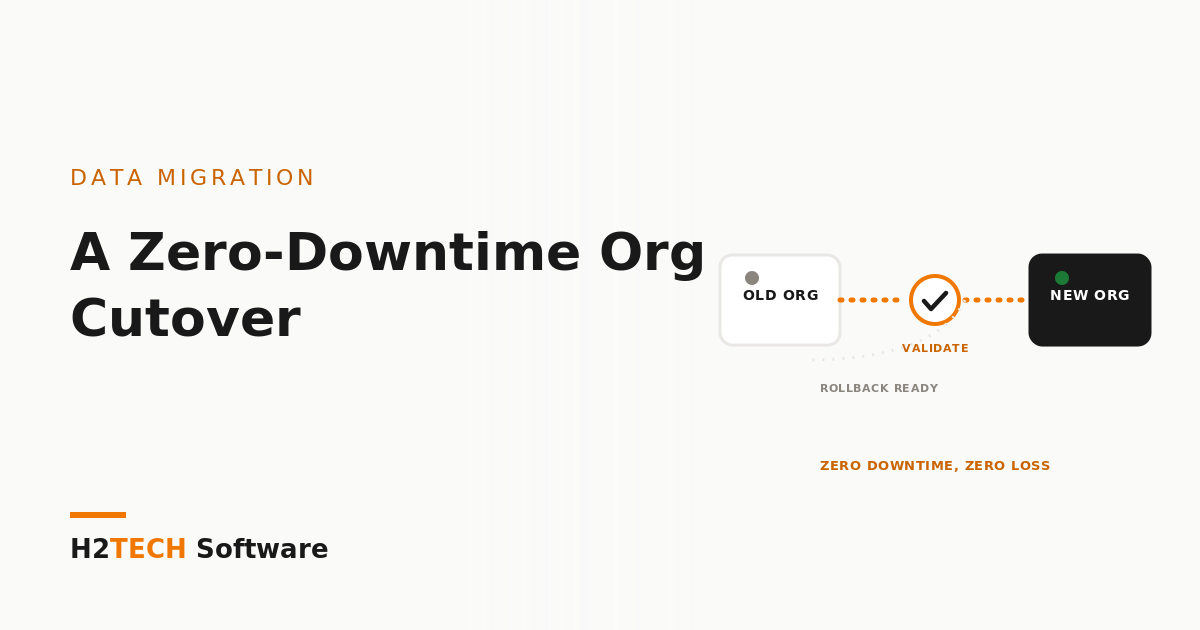
Confidence at go-live does not come from believing nothing will go wrong. It comes from knowing exactly what you do if it does. Before the cutover we define the validation checks that say “this succeeded,” the point of no return, and the rollback path if a check fails. A migration you cannot reverse is a bet, not a plan. This is the safety net that let us consolidate five regional orgs into one with zero downtime — the story in merging five regional orgs into one.
Validate on the numbers, not the vibe
“It looks fine” is not a validation strategy. We reconcile record counts by object, spot-check high-value records field by field, confirm relationships resolve, and verify integrations are firing — against a checklist agreed before the cutover, not improvised during it. Only when the numbers match does the old system get switched off. It is how we have moved 50 million records with zero data loss.
The payoff
A well-planned cutover is boring, and boring is the goal. Users log in Monday, their data is there, their integrations work, and the project stops being a source of anxiety. That outcome is built weeks earlier, in the rehearsal and the rollback plan — not conjured on the night.
Tell people what’s happening
Most cutover pain isn’t technical; it’s people working in the wrong system at the wrong time. We publish a short cutover plan to every affected team: when the old org goes read-only, when the new one opens, what to do with work in flight, and who to call if something looks wrong. Integration owners get their own timeline, because a nightly job that fires into a frozen org can undo hours of careful work. A clear message the week before saves a lot of explaining the week after.
How we help
We plan and run cutovers as part of every migration: the rehearsal on a full-volume sandbox, the delta and freeze plan, the validation checklist, and the rollback path, all agreed before go-live. iSyncSF moves the data natively inside Salesforce with relationships intact, our AI agents generate the reconciliation scripts at our own compute cost, and a certified Salesforce engineer signs off every check before the old system is switched off.
Key takeaways
- Choose big-bang versus phased first — it shapes every other decision.
- Rehearse the full migration on a full-volume sandbox, and plan for the delta records that change mid-cutover.
- Define validation checks and a rollback path before go-live; switch off the old system only when the numbers reconcile.